Virtual family savings tracker

Little savers, big goals.

BusyBee Bank helps parents run a simple pretend family bank for teaching kids about saving, spending, goals, and interest. It tracks your household ledger, but it does not hold money or create real bank accounts.

BusyBee Bank is not a financial institution. It is a virtual tracker for family savings lessons.

Parent PIN Offline ready Optional sync
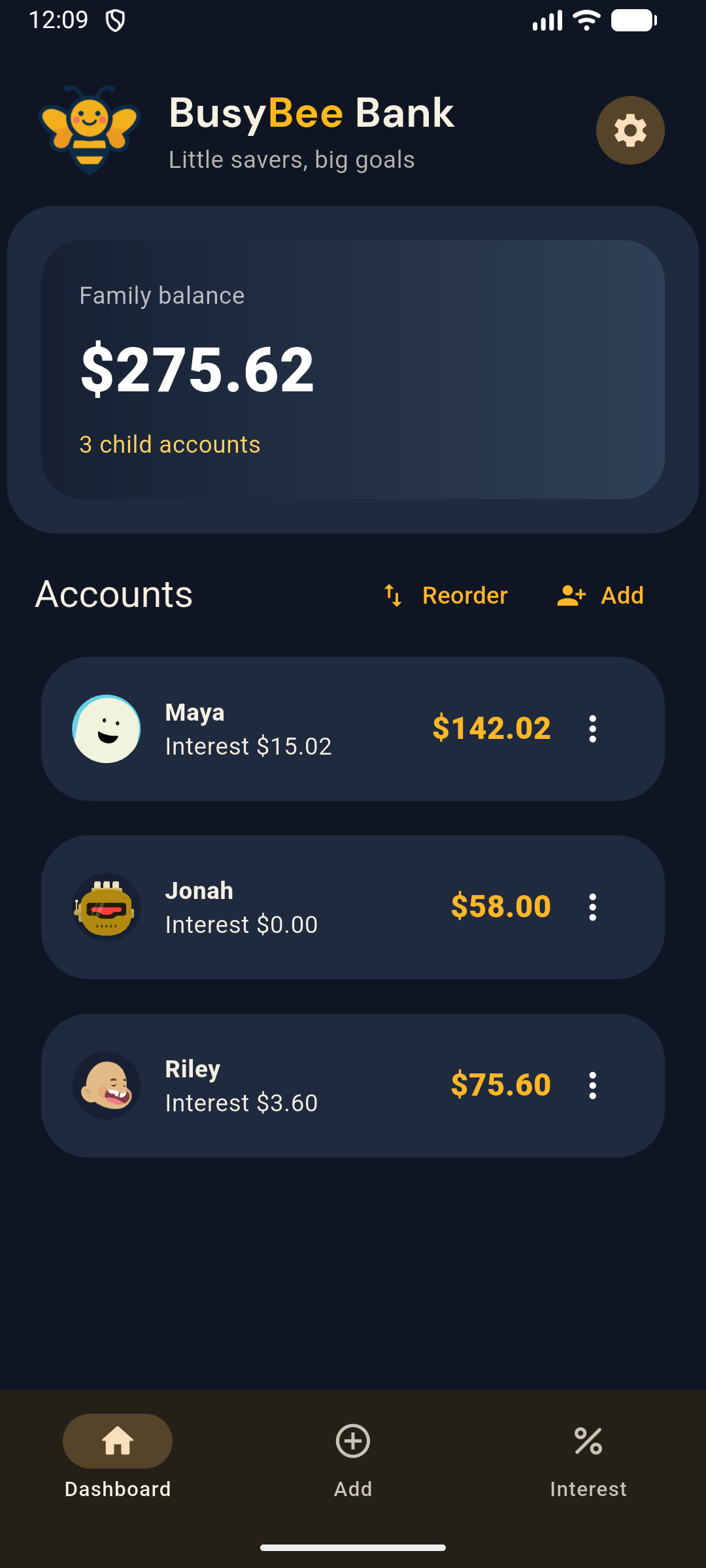
BusyBee Bank dark mode dashboard showing a family balance and three virtual child accounts with custom avatars.

Built for real households

Replace the notebook, spreadsheet, or memory math.

The mobile app keeps your household's virtual savings ledger quick: add a child, record a transaction, review account history, and hand the phone over safely in Child Mode when it is time to show progress.

App screenshots

A simple virtual ledger, made for quick family check-ins.

Dark mode dashboard showing a $275.62 family balance and three child accounts.
Dashboard See the family balance and multiple child accounts at a glance.
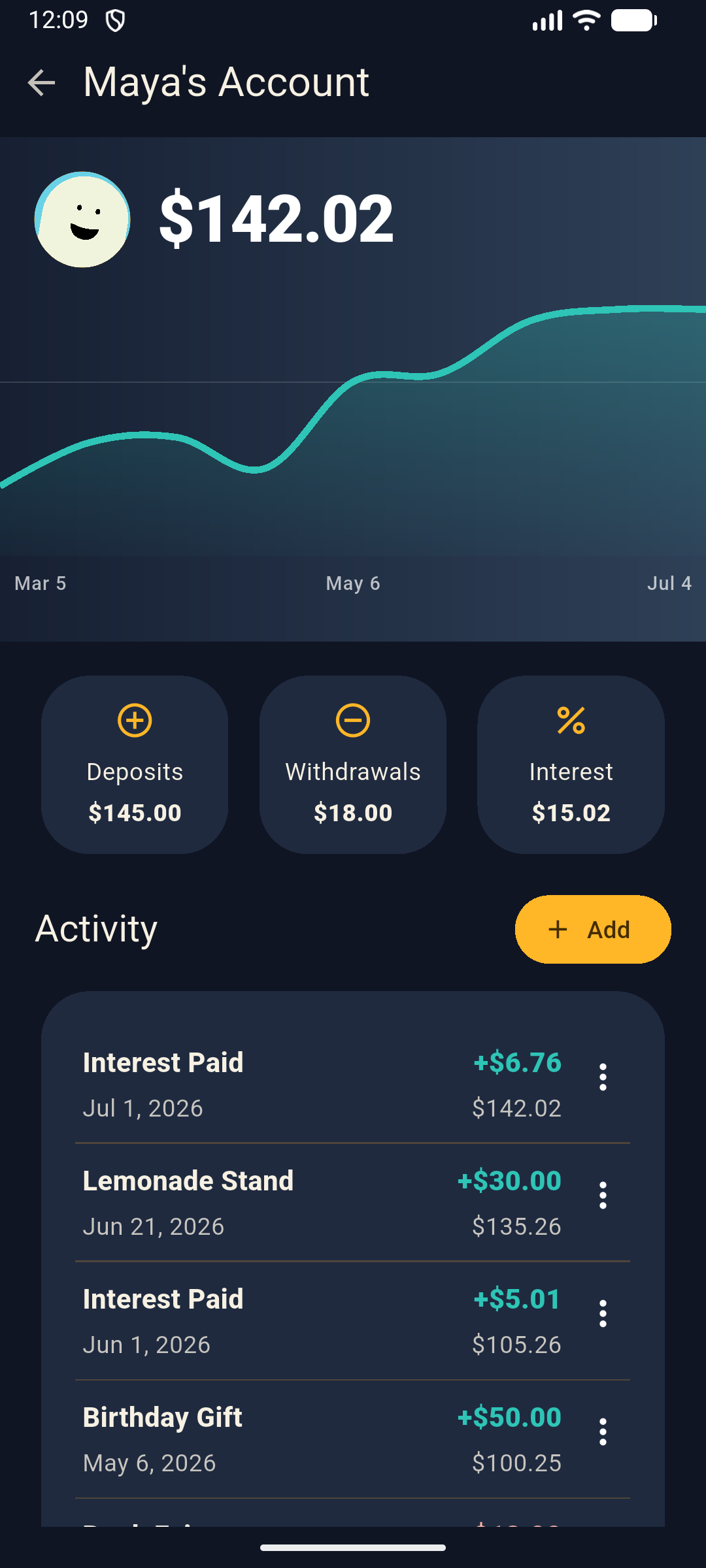
Dark mode child account screen showing Maya's generated avatar, $142.02 balance, chart, stats, and activity.
Balance charts Review progress over time with dated activity and a clearer balance curve.
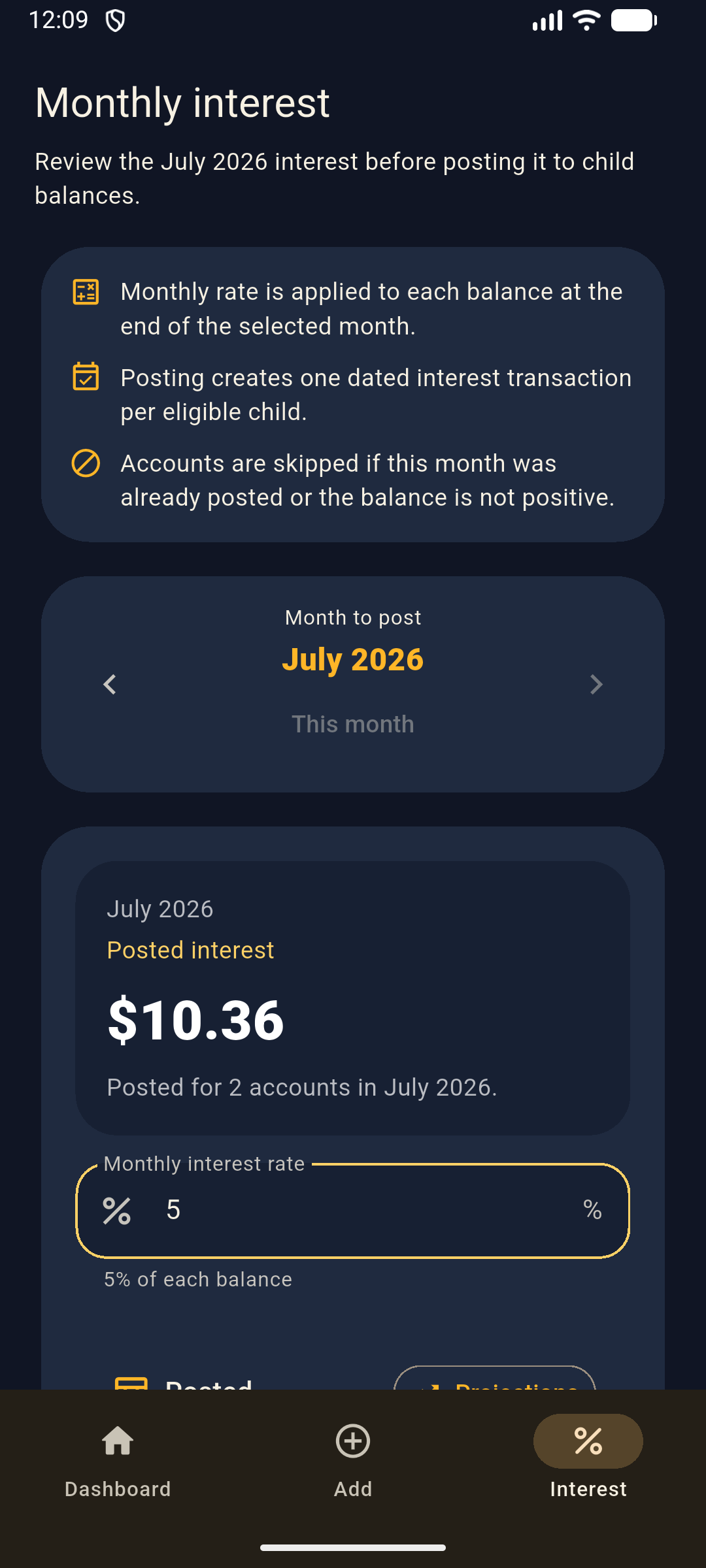
Dark mode monthly interest screen estimating interest for three accounts.
Monthly interest Preview pretend interest before posting it to virtual balances.
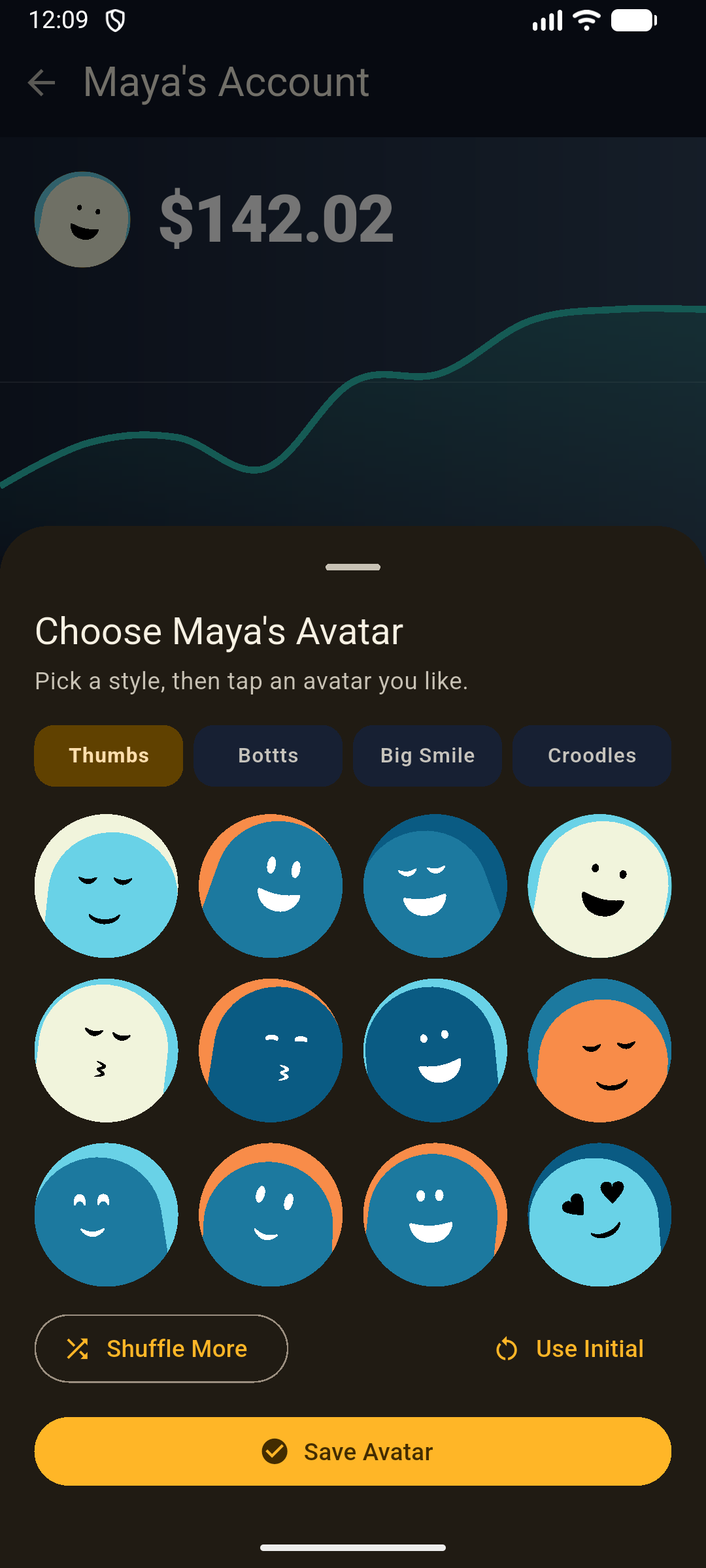
Dark mode avatar picker showing generated custom avatar options.
Custom avatars Pick generated avatar styles so each child's virtual account feels personal.

Features

Everything parents need to run a virtual family bank.

01

Child accounts

Create, edit, reorder, and soft-delete virtual child accounts with a clear balance for each saver.

02

Deposits and withdrawals

Log allowance, chores, gifts, spending, and notes with a fast transaction flow.

03

Monthly interest

Preview and post interest so children can see how saving steadily grows over time.

04

History and charts

Open a child profile to see stats, filtered transactions, and balance performance.

05

Parent and Child Mode

Parent Mode is ready for edits. Child Mode is view-only and protected by a local Parent PIN.

06

Local-first storage

Data saves to the device first, so the app stays fast for day-to-day family use.

BusyBee Bank Pro

Family Sync keeps parents on the same page.

Optional Family Sync shares changes across parent devices using Google-backed family data while the app continues to treat local storage as the fast device cache.

Connect

Set up Family Sync from Parent Mode.

Invite

Share an invite link with another parent.

Sync

Devices check for changes on launch, resume, edits, and manual sync.

Child Mode

Show the balance without exposing edits.

View-only by design

Interest

Teach compounding with simple monthly reviews.

Preview before posting

History

Every deposit, withdrawal, and interest payment in one timeline.

Notes included